Smart Home & Vehicle
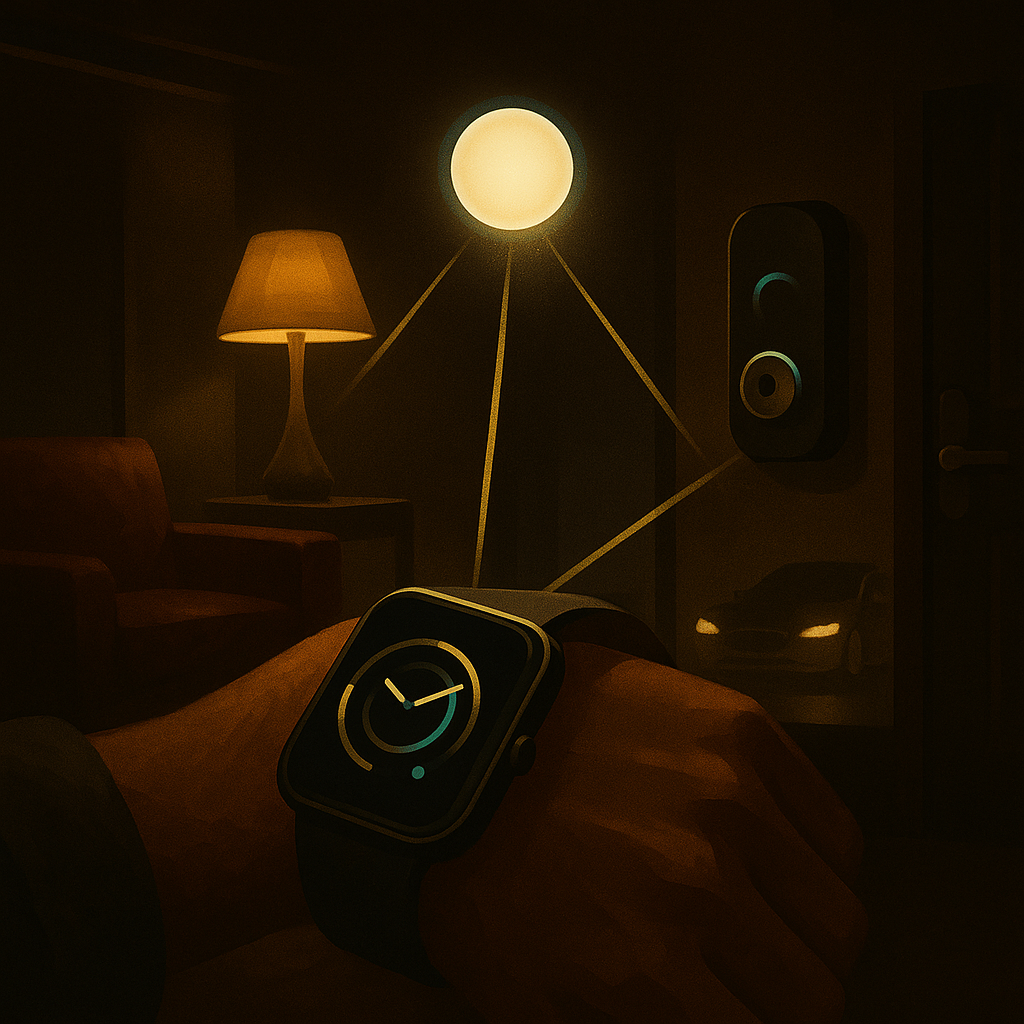
Control your home and your car from your Apple Watch or iPhone. Demi connects to Home Assistant and Smartcar to give you voice-powered control over the things around you.
Home Assistant
Connect your Home Assistant instance to Demi and control your smart home with your voice. Home Assistant is the most popular open-source smart home platform, and Demi integrates with it to give you quick, natural control over all your connected devices.
To set up, go to Settings > Integrations > Home Assistant and enter your Home Assistant URL and long-lived access token. Once connected, Demi can see and control any device exposed through your Home Assistant setup.
Controlling Your Home
With Home Assistant connected, Demi can control a wide range of smart devices directly from your wrist or phone:
Lights
Turn lights on or off, adjust brightness, and change colors by room or individually.
Thermostats
Set the temperature, switch between heat and cool, and check the current reading.
Locks
Lock or unlock doors and check their current status from anywhere.
More devices
Fans, switches, covers, garage doors, and any other device your Home Assistant supports.
Just speak naturally to Demi. There is no specific syntax to memorize. Say things like:
- "Turn off the living room lights."
- "Set the thermostat to 72 degrees."
- "Is the front door locked?"
- "Turn on the bedroom fan."
Smartcar Integration
Demi connects to your car through Smartcar, which supports a wide range of manufacturers including Tesla, BMW, Ford, Chevrolet, Volkswagen, and many more. Once connected, you can check on your car and control key features without opening a separate manufacturer app.
To connect, navigate to Settings > Integrations > Smartcar and sign in with your vehicle manufacturer's account. Smartcar securely bridges the connection so Demi can communicate with your car.
Vehicle Controls
With Smartcar connected, Demi gives you convenient access to your vehicle from your wrist:
Lock & Unlock
Lock or unlock your doors remotely. Great for when you forget on your way out.
Start Engine
Start your car remotely to warm it up or cool it down before you get in.
Climate Control
Set the cabin temperature so it is comfortable by the time you arrive.
Fuel & Battery
Check your fuel level or battery charge and estimated range at a glance.
Location
See where your car is parked on a map, helpful in large lots or unfamiliar areas.
Watch-First Design
Home and vehicle controls have dedicated Pages on your Apple Watch, so you can access them with a quick swipe. The Home page shows your rooms and devices with simple toggle controls. The Vehicle page shows your car's status, battery or fuel level, and lock state at a glance, with action buttons for the most common controls.
These pages are designed for speed. You should be able to lock your car or turn off a light in under two seconds, right from your wrist.
Automation with Recurring Tasks
Tip
Combine smart home controls with Demi's recurring tasks for powerful automation. Try saying: "Every night at 10pm, turn off all the lights and lock the front door." Demi will create a recurring task that runs automatically, handling your nightly routine without you lifting a finger. You can set up as many automated routines as you like, covering morning wake-ups, leaving home, arriving home, and bedtime.