Download & Install
Get Demi running on your Apple Watch and iPhone in just a few minutes. Here's everything you need to know before you download.
What You'll Need
Demi is designed for Apple Watch first, with a companion iPhone app for deeper control. Before you download, make sure your devices meet these requirements:
- Apple Watch Series 6 or later running watchOS 10 or newer
- iPhone running iOS 17 or newer (paired with your Apple Watch)
- An active internet connection for setup and task execution
Why Apple Watch Series 6?
Demi takes advantage of the always-on display and faster processor found in Series 6 and later. This ensures your tasks, approvals, and status updates appear reliably on your wrist without delays.
Download from the App Store
- 1
Open the App Store on your iPhone
Tap the App Store icon on your iPhone home screen. Make sure you're signed in with your Apple ID.
- 2
Search for "Demi AI"
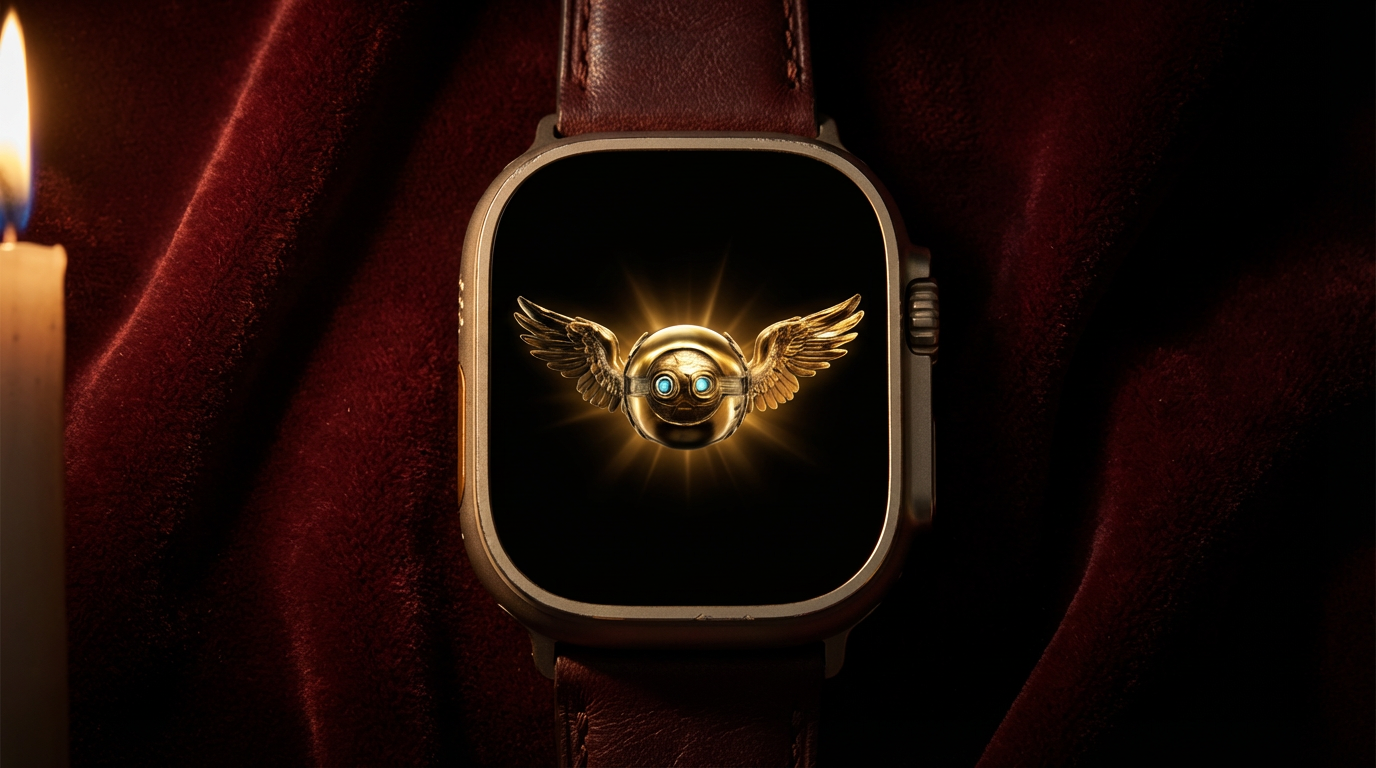
Tap the search tab and type Demi AI. Look for the Demi icon with the signature gold orb on a dark background.
- 3
Tap Get to download
Tap Get and confirm with Face ID, Touch ID, or your Apple ID password. The download is free and takes just a moment.
Watch App Installation
Once you install Demi on your iPhone, the Apple Watch app syncs automatically to your paired watch. You don't need to install it separately.
If the Watch app doesn't appear right away, open the Watch app on your iPhone, scroll down to Available Apps, find Demi, and tap Install. The app will transfer to your watch over Bluetooth.
Tip
Keep your watch on its charger and near your iPhone for the fastest installation. The watch app is lightweight, so it should be ready in under a minute.
What's Included
Your download includes two apps that work together seamlessly:
- Watch App — Your primary interface for Demi. Tap the orb to speak a task, view progress, approve actions, and check results, all from your wrist. This is where most of the magic happens.
- iPhone App — Your command center for settings, detailed approvals, chat conversations, and integration management. Use it to fine-tune how Demi works for you, review longer content, and handle tasks that need a bigger screen.
Both apps stay in sync. Start a task on your Watch and review the details on your iPhone, or kick something off from your phone and get notified on your wrist when it's done.